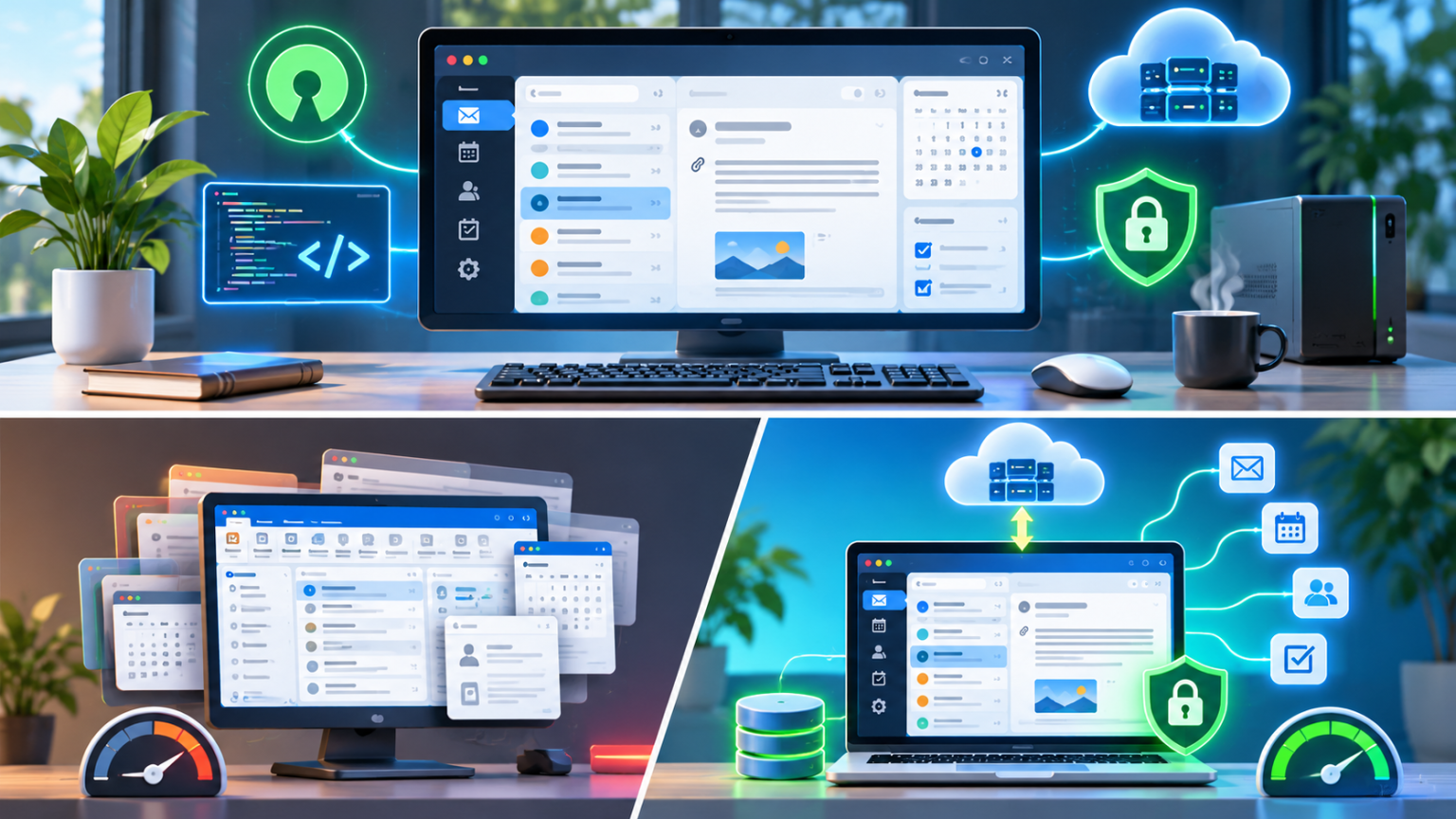
For years, people who wanted a familiar desktop email experience had a fairly short list of choices: use Microsoft Outlook, try a different mail client, or accept that some features would be missing. A new open-source project called MailCraft is trying to offer another option: an Outlook-style interface, support for popular email services and a strong focus on keeping mail under the user’s control.
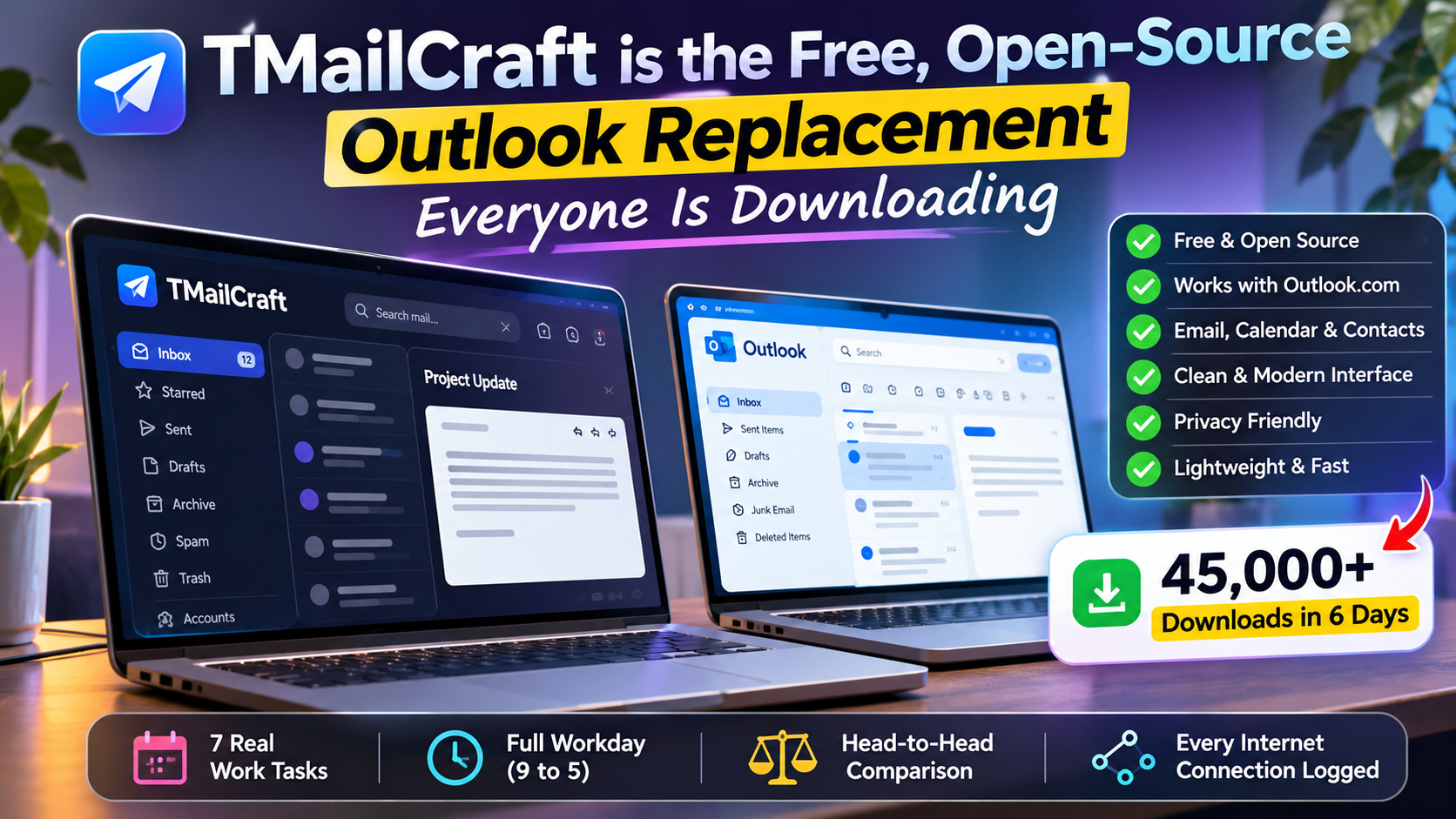
It has attracted attention quickly. The video linked with this article reports more than 45,000 downloads of the Windows installer in six days. That figure is a claim made in the video, rather than an independently audited download count. The same reviewer says they spent a full workday, from 9 a.m. to 5 p.m., comparing MailCraft with the free new Outlook for Windows using the same Outlook.com mailbox, seven real-world tasks and a record of each app’s internet connections.
First, what exactly is MailCraft?
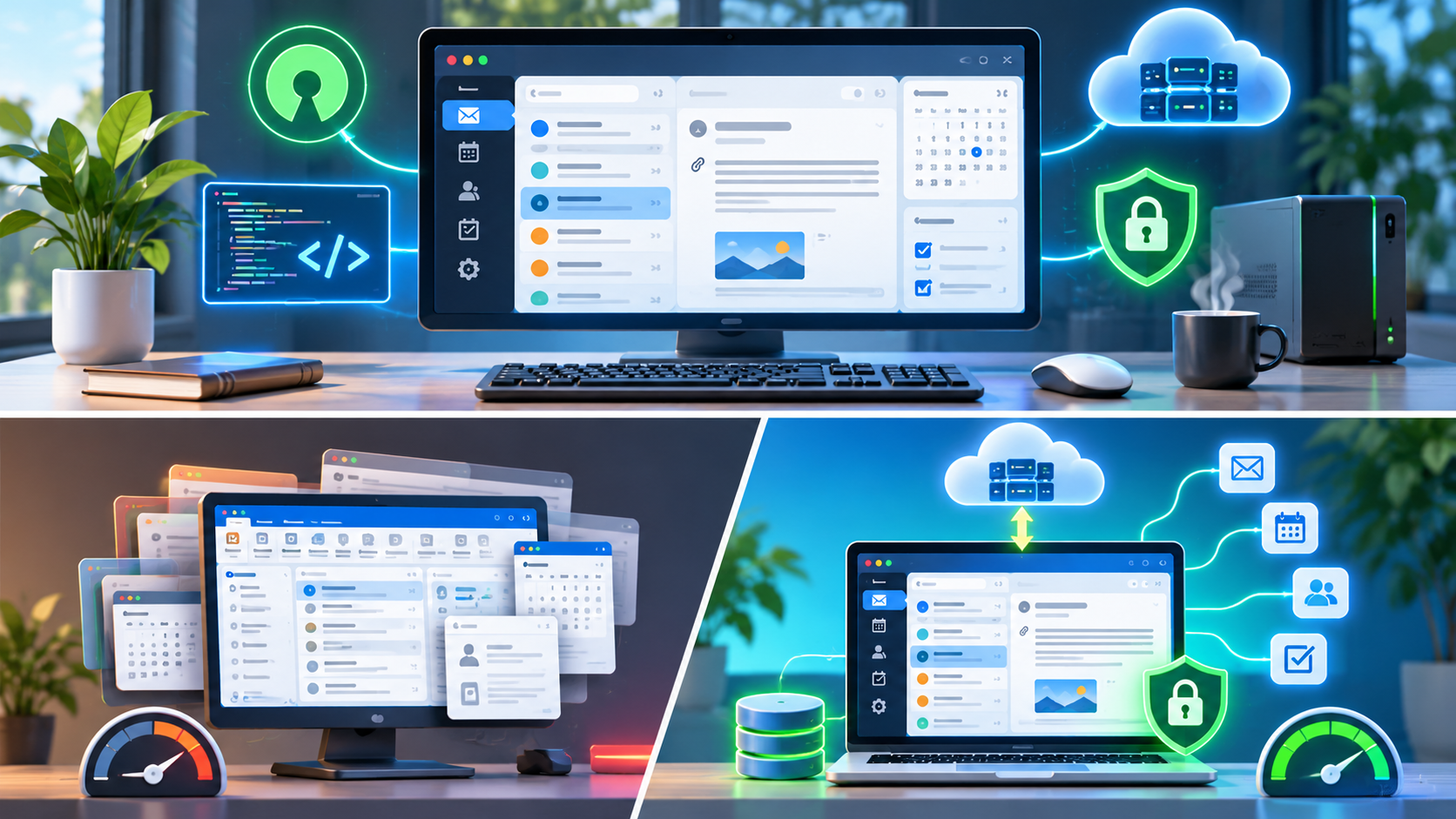
MailCraft is a free, open-source email, calendar, contacts and tasks application. It is designed to feel familiar to people who have used desktop Outlook: a folder list, message list, reading pane, ribbon-style controls and calendar tools sit together in one desktop app.
The project is written in Rust and describes itself as a clean-room implementation. In other words, it is built independently rather than using Microsoft’s Outlook code or assets. Its source code is published on GitHub under the MIT or Apache 2.0 licences, and the project says it is not affiliated with or endorsed by Microsoft.
MailCraft is still in beta. That is important: it is an active project with frequent releases, not a mature, fully settled replacement that has years of enterprise deployment behind it.
Why are people paying attention?
The appeal is easy to understand. Many users like Outlook’s traditional desktop layout, but they may not want another subscription, a web-first experience or an email client that feels tied to one company’s ecosystem. MailCraft tries to keep the familiar workflow while offering a different approach to ownership, privacy and platform choice.
It supports common services and protocols, including Outlook.com, Microsoft 365, Exchange, Gmail, iCloud, Yahoo, Fastmail, IMAP, SMTP, POP3 and JMAP. The exact connection method depends on the provider. For example, Microsoft accounts use browser-based sign-in, while other accounts may use standard mail protocols or provider-specific settings.
What can it do?
- Email and folders: Read, compose, reply, forward, organise and search messages across accounts.
- Familiar layout: Use a folder pane, grouped message list, reading pane, ribbon controls, conversations, flags and categories.
- Calendar and contacts: Work with appointments, meeting invitations, reminders and an address book.
- Tasks and organisation: Use task lists, rules, Quick Steps, Search Folders, junk-mail controls and other productivity tools.
- Offline access: Mail can be cached locally so folders and messages remain available when the connection drops. Changes can sync when the device reconnects.
- Outlook data files: The project supports opening and working with Outlook PST files, which can help people move or inspect older mail and related data.
- Multiple platforms: Builds are offered for Windows, macOS, Linux and FreeBSD.
Feature availability can change between releases, and some provider-specific behaviour may not match Outlook exactly. Anyone considering a switch should test their own account, calendar and contacts before relying on it for daily work.
The big question: is it more private than Outlook?
Privacy is one of MailCraft’s main selling points. The project says the app connects directly to the user’s mail provider rather than routing messages through a separate MailCraft cloud service. It also says it does not collect telemetry or analytics, and that saved credentials are kept in the operating system’s keychain rather than ordinary application files or logs.
It also offers controls around remote images and tracking pixels. Remote pictures can be blocked until the user chooses to load them, and tracking images are not automatically fetched. Links can be opened without their tracking parameters, according to the project’s privacy information.
These are useful design choices, but they should not be confused with a guarantee that every email is private or safe. Your email provider still processes and stores your mailbox. Messages can contain phishing links, malicious attachments or information that the recipient can forward. Local caching also means users should understand where their mail is stored on the device and protect that device accordingly.
What did the eight-hour comparison look at?
The supplied video describes a practical head-to-head test rather than a quick first impression. The reviewer used the same Outlook.com mailbox in both applications, worked through seven real tasks between 9 a.m. and 5 p.m., and scored the two clients using the same approach. The reviewer also logged the internet addresses contacted by each application.
That last detail is particularly interesting. Email clients need to connect to mail servers, authentication services and sometimes calendar or contact services. A connection log can help show which services an app contacts during normal use. But a list of internet addresses alone does not reveal everything being transmitted, why every connection occurred, or whether a connection is harmful. Interpreting network activity requires context.
The video is a useful starting point for anyone who wants to see the applications tested side by side. It should still be treated as one review, not a universal benchmark. Results may vary with mailbox size, network conditions, provider settings, operating system, add-ins and the tasks each person performs.
Watch the MailCraft vs Outlook full-workday comparison on YouTube.
Important caveats before you install it
MailCraft’s rapid growth is exciting, but it is worth keeping a few practical points in mind.
- It is beta software: Expect bugs, missing features and frequent changes. Keep a backup of important mail and test the app before making it your only email client.
- Windows may show a security warning: The project’s current builds are not yet signed with the platform certificates that would avoid the usual first-run warning. The project publishes SHA-256 checksums and says its releases are built from its public source. Verify the download and checksum before running it; do not bypass a warning simply because a website says it is safe.
- Provider compatibility is not identical: Microsoft 365, Outlook.com, Gmail and other services have different authentication and synchronisation rules. Check the setup guide for your provider.
- Some features are still evolving: The changelog shows frequent additions and fixes. A feature present today may behave differently in a later beta.
- Do not confuse local storage with a backup: Keep a separate backup of important mail, contacts and calendar data.
How to download MailCraft
The official project website provides downloads for Windows, macOS and Linux, with additional builds listed for other platforms. Windows users can choose an installer or a portable ZIP package. The source code and release files are also available from the project’s GitHub repository.
For safety, use the official project links rather than third-party download mirrors:
- Official MailCraft website and downloads
- MailCraft source code on GitHub
- MailCraft releases and checksums
- MailCraft changelog
MailCraft vs the new Outlook: should you switch?
If you want a free desktop client with an Outlook-like layout, multiple-provider support and an open-source development model, MailCraft is worth trying. Its local-first approach and privacy controls are also attractive to people who prefer fewer services sitting between their computer and their email provider.
But it is too early to call it a complete replacement for every Outlook user. Businesses that depend on advanced Microsoft 365 workflows, shared mailboxes, compliance policies, add-ins or tightly managed IT deployments should test those requirements carefully. The same goes for anyone who relies on calendar delegation, complex meeting workflows or specialised Exchange features.
A sensible approach is to install MailCraft alongside your current email client, connect a test account or a well-backed-up mailbox, and use it for a few days. Check sending, receiving, search, attachments, calendar invitations, contacts and offline behaviour. If it handles the work you actually do, then consider moving more of your workflow over.
The bottom line
MailCraft is getting attention because it offers a combination that many desktop users have been asking for: a familiar email experience, open-source code, no subscription and a clear emphasis on local control. The reported download surge and the full-day comparison in the linked video make it a project worth watching.
Still, popularity is not the same as maturity. MailCraft is a promising beta, not a guaranteed drop-in replacement for every Outlook setup. Try it, check the security details, keep backups and judge it by how reliably it handles your own daily email.