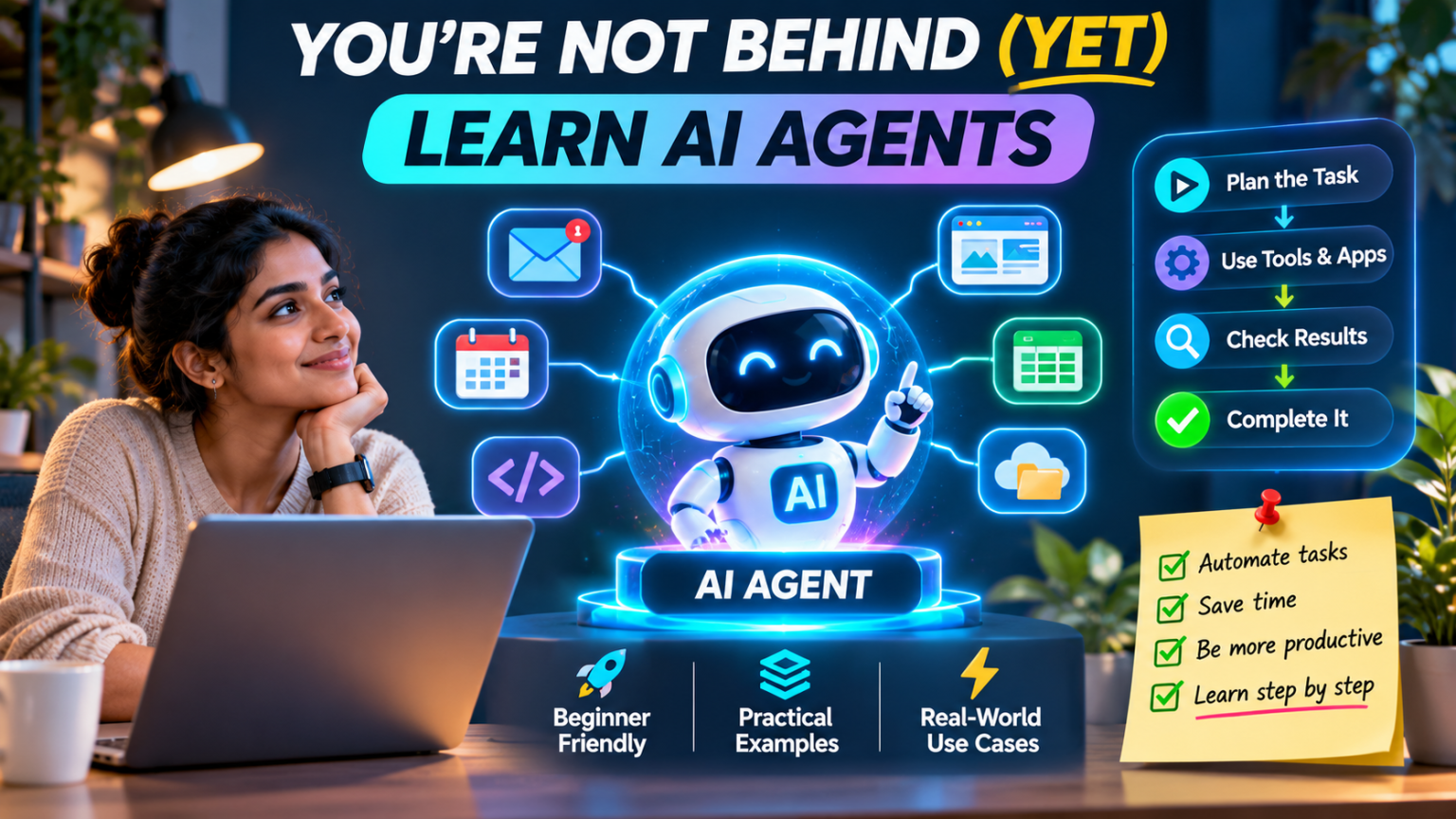
AI is moving quickly. Every week there seems to be a new model, a new assistant, a new coding tool or a new demo that can do something impressive. If you have been watching the conversation and thinking, “I still use AI mostly to ask questions—am I already behind?”, take a breath.
You are not behind. But this is a good time to learn what AI agents are and how to use them.
AI agents are becoming a practical way to get work done: they can break a goal into steps, use tools, check what happened and continue until they reach a result—or ask a person when they need approval. You do not need to build a complicated multi-agent system on day one. In fact, starting small is usually the smartest move.
This guide explains AI agents in plain language, shows how they differ from ordinary chatbots, walks through a beginner-friendly first project and gives you a realistic learning path. Whether you are a student, business owner, developer, marketer or curious technology user, you can start learning without trying to master every new framework.
First, what exactly is an AI agent?
An AI agent is a system that uses an AI model to work towards a goal, with instructions and access to tools that let it do things beyond generating text. Depending on how it is designed, it can decide which step to take next, call a tool, inspect the result, adjust its approach and continue.
Think about the difference between asking an assistant, “How do I organise my inbox?” and asking an agent, “Find newsletters older than 30 days, prepare a list, and ask me before archiving anything.” The first request needs an explanation. The second describes a workflow where an agent may need to inspect messages, classify them, prepare actions and request approval.
The key idea is not that the AI has become a person or can do absolutely anything. It is that the model is connected to tools and a controlled process that lets it take a sequence of actions.
AI chatbot vs AI assistant vs AI agent
These terms are often used interchangeably, but it helps to separate them.
| Type | What it mainly does | Example |
|---|---|---|
| Chatbot | Responds to a message or question | Explains how DNS works |
| AI assistant | Helps with a task, often using context or connected features | Drafts an email from your notes |
| AI agent | Can plan and carry out a multi-step task using tools, within defined permissions | Checks a server alert, gathers diagnostics and prepares a report |
The boundaries are not always sharp. A chatbot can use tools, and an agent can communicate through a chat interface. What matters is the behaviour: does the system simply return an answer, or can it take a sequence of actions, observe the results and adapt?
How does an AI agent work?
A simple agent usually combines a few building blocks. You do not need to understand advanced machine learning to get started, but knowing these parts will help you design safer and more useful workflows.
1. The model: the reasoning engine
The model interprets the task, works with the information it receives and chooses what to do next. Different models have different strengths, costs, speeds and limits. A simple classification task may not need the most powerful model available; a complex research or coding task may benefit from a stronger one.
2. Instructions and guardrails: the rules of the job
Instructions define the agent’s role, objective and boundaries. For example: “Review incoming support tickets, identify the topic, draft a response, but never send a reply or issue a refund without human approval.” Guardrails make those boundaries explicit.
3. Tools: how the agent interacts with the world
Tools are controlled capabilities such as searching a knowledge base, reading a file, checking a database, creating a ticket, calling an API or running a permitted command. Without tools, a model can describe how to do something; with tools, an agent can potentially do it.
4. State and memory: what it can keep track of
State is the information needed while a task is in progress: what has been completed, what remains and what the tools returned. Some agents also have memory that can be reused across separate sessions. Memory should be deliberate: store useful, verified information, not every detail indiscriminately.
5. The environment: where the agent operates
An agent might run inside a browser, a business application, a development environment, a server or a cloud service. The environment determines which files, accounts, websites and systems it can access. A carefully restricted test workspace is a much safer place to experiment than a production server with administrator access.
Put together, these pieces form a loop: receive a goal, plan a step, use a tool, inspect the result, and decide what to do next. The agent stops when it completes the task, reaches a limit or needs a person to make a decision.
A simple real-world example: an AI support-ticket assistant
Imagine a small hosting company receiving support requests about slow websites, email delivery, SSL certificates and domain renewals. A beginner-friendly agent could help the support team without being allowed to make risky changes.
- Step 1 – Read: Retrieve a new ticket and its relevant customer details.
- Step 2 – Classify: Identify whether the issue concerns hosting, DNS, email, SSL or billing.
- Step 3 – Gather evidence: Search approved documentation or run read-only checks, such as looking up DNS records or checking service status.
- Step 4 – Draft: Prepare a clear response with the findings and suggested next steps.
- Step 5 – Review: Show the draft and evidence to a support engineer.
- Step 6 – Act only with approval: The engineer can send the reply or authorise a separate, controlled action.
Notice what the agent does not do: it does not automatically reboot a server, delete files, change DNS, reset passwords or issue a refund. Those actions can have real consequences, so they should remain behind explicit approval and suitable access controls.
What can AI agents actually do?
Agents are useful when a task involves several steps, different sources of information or a handoff between tools. Here are some realistic places to start.
Research and summarisation
An agent can search approved sources, collect information, compare findings and prepare a report with links for a person to verify. This is useful for market research, product comparisons and technical documentation.
Office and business workflows
It can help organise meeting notes, prepare follow-up emails, extract fields from invoices, update a CRM record or assemble a weekly status report. Keep a review step before sending messages or changing customer records.
Software development
Coding agents can inspect a repository, suggest a plan, edit files, run tests and explain the changes. Developers still need to review code, test edge cases and protect secrets. An agent that can modify a project should work in version control and a controlled environment.
IT operations and server monitoring
A monitoring agent could collect CPU, memory, disk, network and service metrics, correlate an alert with recent events, and prepare a diagnosis. Initially, give it read-only access. If you later automate remediation, allow only specific low-risk actions and log every operation.
Customer service and e-commerce
An agent can look up an order, check a delivery status, retrieve a return policy and draft a response. Refunds, cancellations, account changes and exceptions should have clear rules and human approval.
Personal productivity
With suitable permissions, an agent can help organise tasks, prepare calendar suggestions, sort documents or create a first draft of a weekly plan. Start with suggestions and drafts before allowing it to send, delete or publish anything.
Do you need to know how to code?
No. You can learn the basic ideas and use existing agent features without writing code. Many business automation platforms provide visual workflows, while AI products increasingly offer agents that can work with connected tools.
But coding becomes useful when you want to build a custom agent, connect an internal API, enforce precise permissions, store task state or test the system properly. You do not need to become an expert before starting. Learn enough to understand what the tools are doing and where the risks are.
Beginner tools and frameworks worth exploring
There is no need to learn every framework at once. Pick one route based on what you want to accomplish.
ChatGPT agent capabilities
Start with an agent experience that can work across supported tools and services. Learn how to define a task, provide context, review actions and understand where confirmation is required. This is a good way to experience agent behaviour before building your own system.
OpenAI Agents SDK and Responses API
For developers, OpenAI’s Building agents learning track explains the foundations, tools, orchestration and best practices. The Agents SDK provides building blocks for agents with tools, guardrails and handoffs. The Responses API offers a more direct way to build the model interaction and orchestration logic.
Anthropic Claude and agent development
Anthropic’s Claude platform documentation explains how to use the Messages API and managed agent options. Its research on trustworthy agents is also useful for understanding why tool permissions, human oversight and prompt-injection protection matter.
LangGraph
LangGraph is a framework for building stateful, multi-step agent workflows. It is worth exploring when you need explicit control over steps, state, branching and human-in-the-loop checkpoints. It has more concepts to learn than a simple visual automation, so it may be better as a second step.
n8n and visual automation
n8n lets you connect applications and APIs through visual workflows, and it can include AI steps. It is a practical starting point if your goal is to automate a process such as collecting form submissions, summarising information and preparing a notification. Remember: adding an AI node does not automatically make a workflow a reliable autonomous agent. Design the decision-making, state and approval steps deliberately.
Your first AI agent: a beginner project in five stages
Do not begin with an agent that controls your email, bank account or production server. Choose a small task where mistakes are easy to spot and the consequences are low.
Project: a document research assistant
The goal is simple: give the agent a folder of non-sensitive documents and ask it to answer questions using those documents, with references to the source files.
- Stage 1 – Define the goal: “Answer questions using only the documents in this folder. If the answer is missing, say so.”
- Stage 2 – Give it a safe tool: Allow it to search and read the test documents, but not modify or delete them.
- Stage 3 – Set the output format: Ask for a short answer, supporting document name and relevant section.
- Stage 4 – Test it: Ask questions with clear answers, questions with no answer and questions that could be misunderstood.
- Stage 5 – Improve it: Record errors, improve instructions and repeat the tests.
This small project teaches the core habits behind agent development: clear goals, limited tools, useful context, evidence and repeatable tests.
A practical 30-day learning plan
| Period | What to learn | What you should produce |
|---|---|---|
| Days 1–5 | Understand models, prompts, tools and the difference between chatbots and agents | A one-page explanation of an agent workflow |
| Days 6–10 | Try an existing agent and observe how it plans, uses tools and asks for approval | A completed low-risk task with an action log |
| Days 11–15 | Build a visual workflow or a simple tool-connected agent | A document or research assistant |
| Days 16–20 | Learn state, memory, permissions and failure handling | A workflow with checkpoints and clear limits |
| Days 21–25 | Test edge cases, incorrect inputs and tool failures | A small test suite and results log |
| Days 26–30 | Improve reliability and document the workflow | A working demo you can safely show others |
Spend 20–30 minutes a day if that is what your schedule allows. Consistency matters more than trying to learn five frameworks in one weekend.
The risks beginners should understand
Agents are useful partly because they can act. That also means a mistake can have consequences beyond a wrong sentence. Before connecting an agent to real systems, understand these risks.
- Prompt injection: Untrusted text in a webpage, email or document may contain instructions designed to manipulate the agent. Treat external content as data, not as trusted instructions.
- Excessive permissions: Give the agent only the tools and access needed for its task. Avoid broad administrator credentials.
- Unintended actions: Require confirmation before sending messages, publishing content, making payments, deleting data or changing production systems.
- Incorrect results: Verify important claims and actions against reliable sources or system records.
- Data exposure: Do not feed confidential customer records, passwords, API keys or private documents into a service unless the data handling and access controls are appropriate.
- Uncontrolled loops and cost: Set limits on steps, time, retries and spending so an agent cannot continue indefinitely.
- Weak monitoring: Keep logs of tool calls, outcomes, approvals and errors. Make it possible to stop the agent quickly.
Anthropic’s practical guidance on trustworthy agents is a useful reminder: safety depends not only on the model, but also on its instructions, tools and operating environment.
How do you know if your agent is actually working?
A convincing demo is not the same as a dependable system. Before using an agent for real work, define what success looks like and test it with examples.
- Did it complete the requested task correctly?
- Did it use the right source or tool?
- Did it avoid actions outside its permissions?
- Did it ask for approval when it should?
- Did it recover sensibly when a tool failed?
- Can you explain what happened from its logs or trace?
- Does it still work after you change the prompt, model or connected tool?
Build a small set of test cases and run them whenever you make an important change. Anthropic’s guide to evaluating AI agents explains why multi-step systems need more than a quick look at the final answer.
Do you need multiple agents?
Not at the beginning. A single agent with a small number of well-designed tools is often easier to understand, test and secure. Multi-agent systems can help when a task genuinely needs separate specialist roles—for example, one agent to research, another to analyse and a third to review—but they also add coordination, cost and more places for failures.
Start with one agent. Add another only when you can explain exactly why the extra role improves the result. A workflow with clear steps and predictable handoffs may be better than asking several agents to debate every decision.
The mindset shift: stop chasing every new AI tool
The AI ecosystem changes so quickly that it is easy to feel you are always catching up. One week the conversation is about models, the next it is about agent frameworks, MCP servers, memory, browser automation or multi-agent orchestration.
You do not need to learn all of it at once. Focus on the durable ideas: define a useful goal, give the system the right context, connect only the tools it needs, limit what it can do, inspect the result and measure whether it worked. Those skills will remain useful even as model names and frameworks change.
Final thoughts: you are not behind—start building
AI agents are an important shift from asking AI for answers to letting AI help complete tasks. But the opportunity is not reserved for people who already know every programming framework or follow every product announcement.
Start with one small problem you understand. Build a simple workflow, give it limited access, keep a human in control of important actions and test it with real examples. Once that works, improve it gradually.
The people who get the most value from AI agents will not necessarily be the ones who try every new tool first. They will be the ones who understand a problem, choose the right level of automation and build systems they can trust.
You are not behind. You are right on time to learn the fundamentals.
Frequently asked questions about AI agents
What is an AI agent in simple words?
An AI agent is an AI-powered system that can work towards a goal by using tools, checking results and taking a sequence of steps within rules and permissions set by its designer.
Are AI agents the same as chatbots?
No. A chatbot usually responds to messages. An agent can also use tools and carry out multi-step tasks. Some products combine both experiences in one interface.
Can beginners build AI agents without coding?
Yes. Visual automation platforms and ready-made agent features let beginners experiment without writing code. Coding is useful for custom integrations, more precise controls and advanced workflows.
Which AI agent framework should I learn first?
Choose based on your goal. Try a visual workflow tool for application automation, the OpenAI Agents SDK for a code-first introduction, or LangGraph when you need explicit stateful orchestration. Learn one path before adding another.
Are AI agents safe to use?
They can be useful when designed with limited permissions, clear guardrails, monitoring and human approval for sensitive actions. Never give a new agent unrestricted access to important accounts or production systems.
What is the easiest first AI agent project?
A document research assistant is a good starting point. Let it search a folder of test documents and answer questions with source references, while keeping the files read-only.